
CAMVI Retail adds camera health, scheduled-zone alerts, entry and exit counts on calibrated views after camera qualification, and independent incident evidence to the CCTV you already own. You decide how to respond, with the clip in hand.
- Works with compatible existing cameras and recorders
- Recording stays on your DVR or NVR; incidents are copied off-site
- Owner alerts on WhatsApp and email with evidence links
- No new cameras or recorders
- Prepaid per site, before GST
- Hosted in AWS Mumbai region
Staged footage for illustration. Not a customer incident.
Useful on day one, honest about what it sees.
Know sooner
Scheduled-zone and after-hours alerts reach the owner on WhatsApp or email, with one secure link to the still and clip.
Keep the proof
Selected incidents are copied off-site when the connector is online. Clips already copied stay available even if the recorder is lost.
Run the store better
Camera health today, and entry counts on calibrated views after camera qualification, per site and across the sites you manage.
Stay in control
You decide who sees what, for how long. Share links expire. Police contact is yours to make, with evidence ready.
What an after-hours alert looks like.
A staged scene, shown the way the owner would see it: the camera, the zone schedule and the evidence note.
Simulated clip for interface demonstration. No real person, camera or incident.
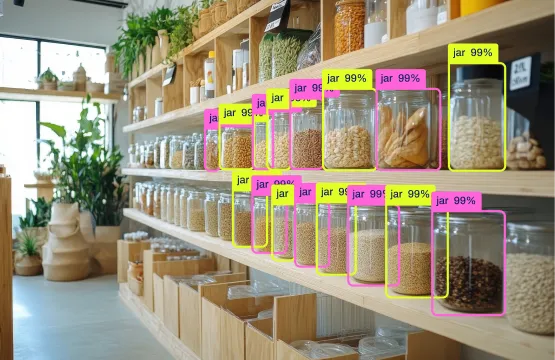
Zone alert
On qualified cameras, a person in a scheduled zone raises an alert with evidence.
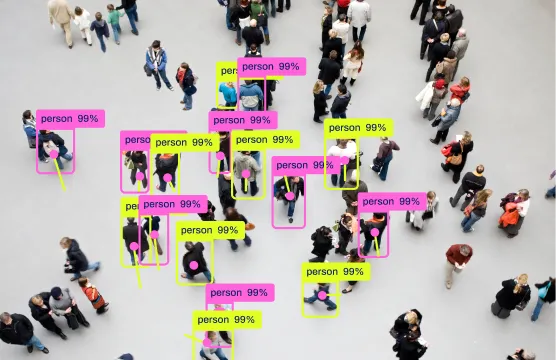
After-hours presence
Presence at a stockroom or back door outside allowed hours, on qualified cameras.
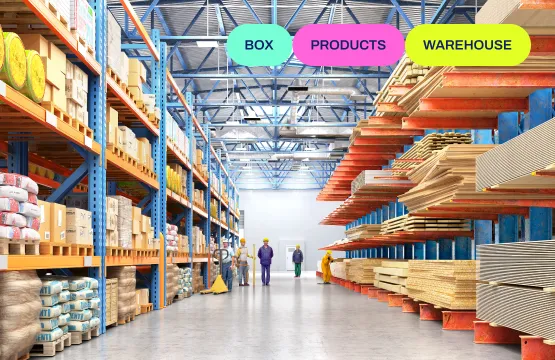
Camera health
Online and offline status for connected cameras.
Tile images are generic illustrations of vision techniques, not CAMVI output.
No new cameras. No new recorder. One small program on a PC you already have.
CAMVI reads camera streams through your DVR or NVR and keeps continuous recording exactly where it is. Needs a suitable Windows PC on site that stays on; we check it during compatibility, before you pay.
What we check
- Recorder make, model and firmware; RTSP or ONVIF stream access
- Camera count and which views matter to you
- The on-site PC: CPU, memory, operating system and uptime
- Internet uplink for evidence copies and alerts
- Time sync between recorder and connector
From first visit to first useful result.
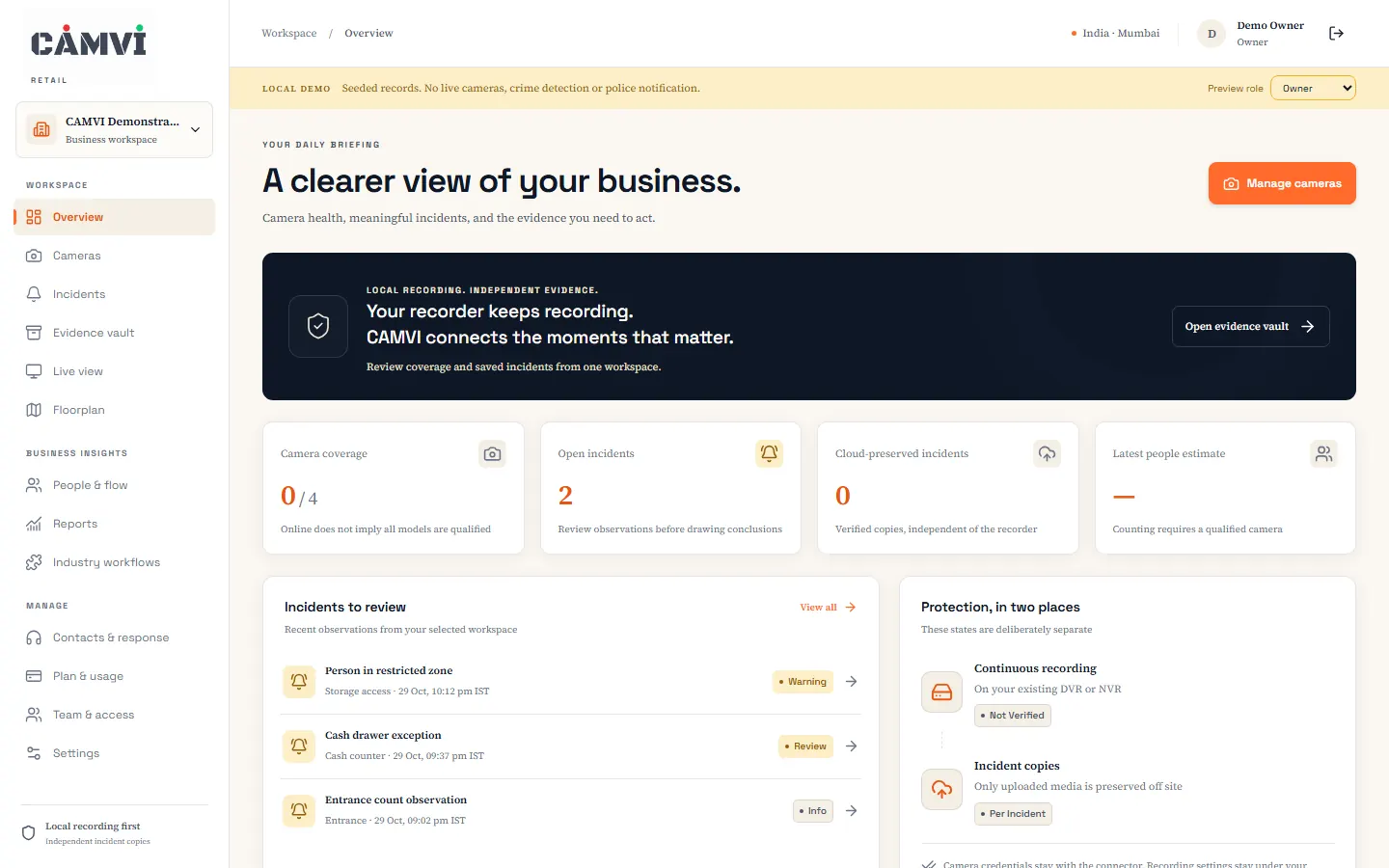
Console with demo data STEP 1Check and connect
Tell us your recorder, camera count and whether a suitable PC is on site. We say qualified, needs a test, or not supported. Then a small program on that PC reads camera streams; recording keeps happening on your DVR or NVR.
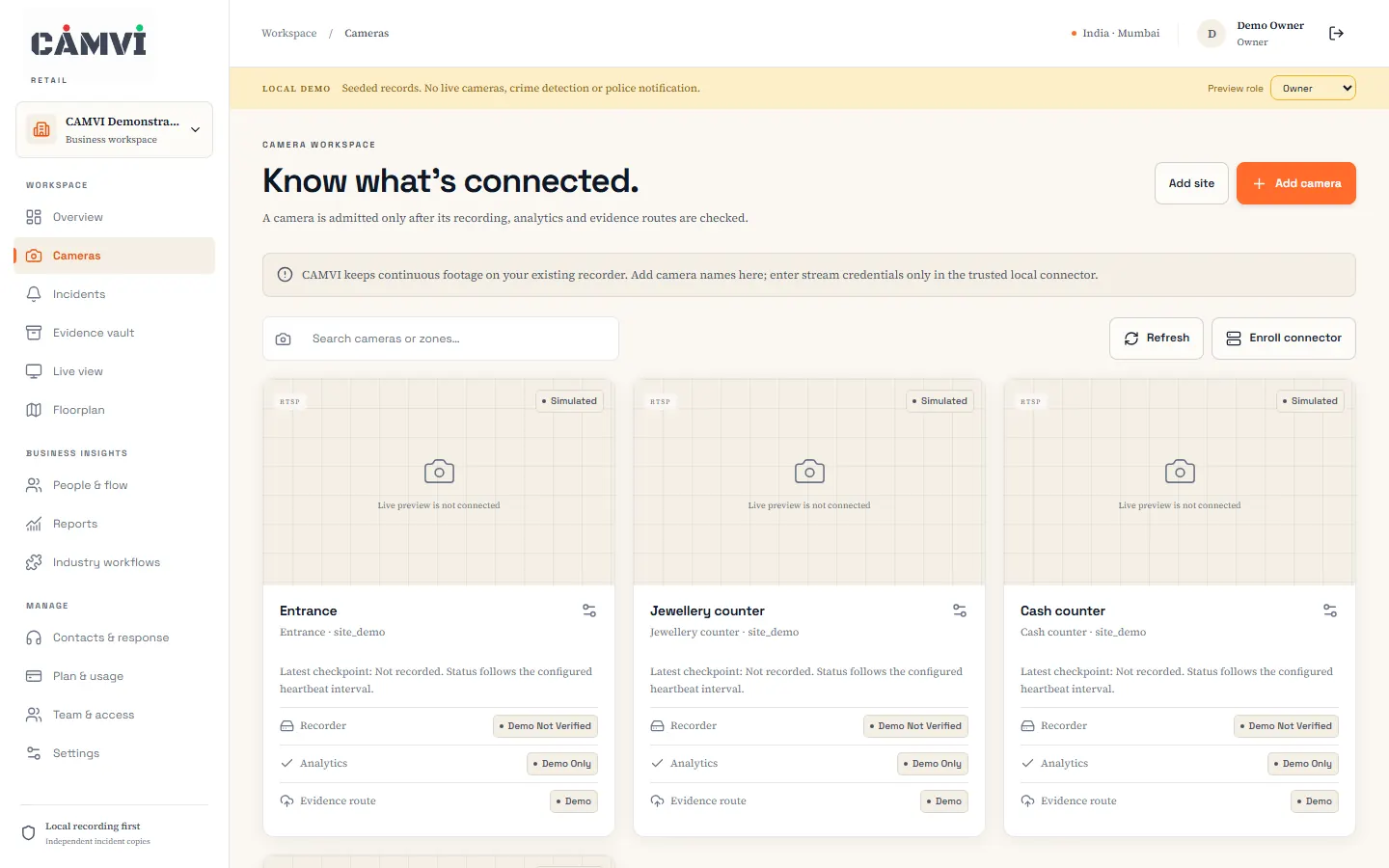
Console with demo data STEP 2Qualify cameras
Each camera view is checked for stream, timing and CPU load before any alert is switched on. Unqualified cameras stay in shadow mode.
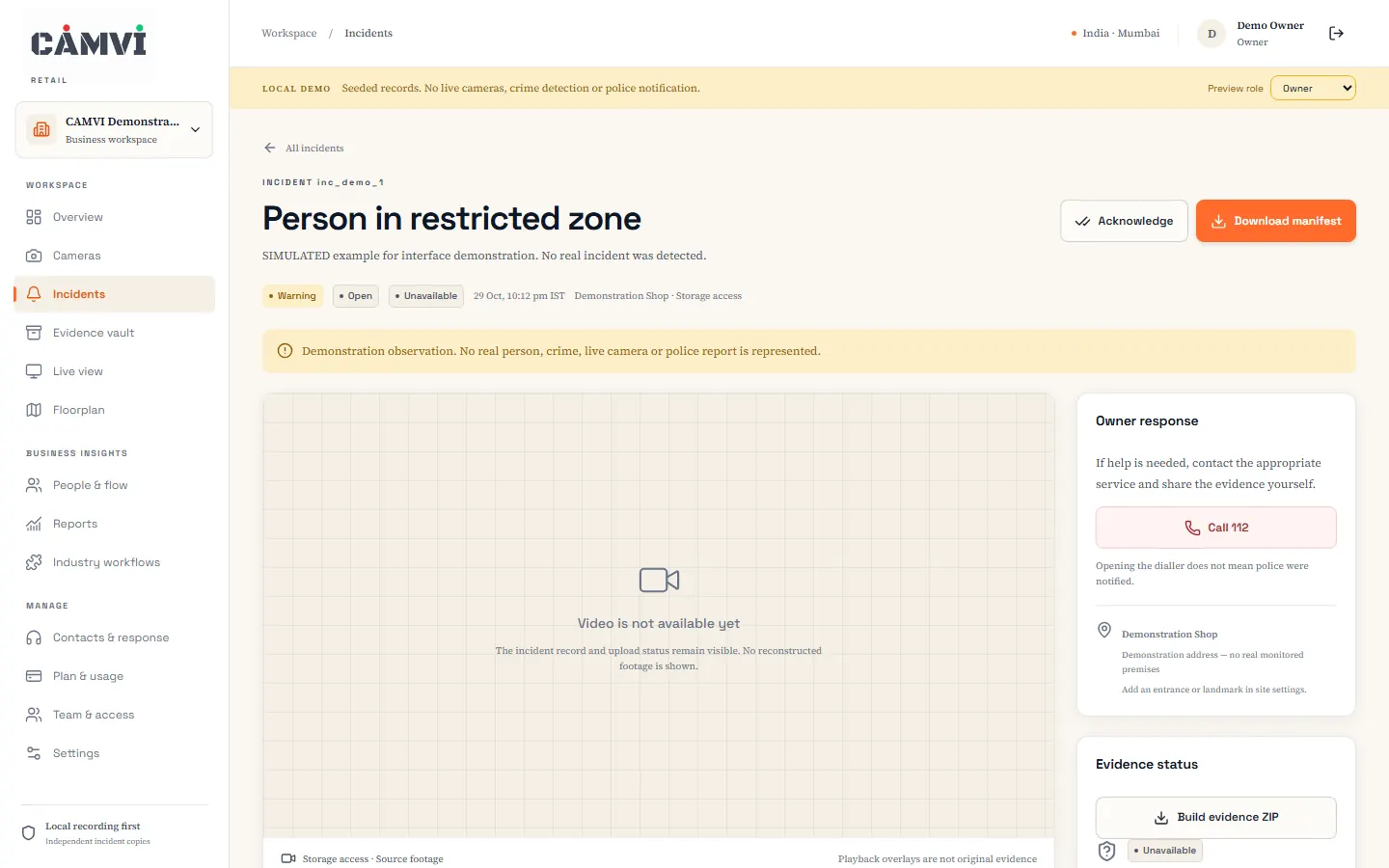
Console with demo data STEP 3Get useful results
Alerts and camera health appear in the owner app, with the clip in hand. The first useful result is the goal of your trial, not a sales call.


Pick your store type. See exactly what runs today.
Modules are grouped as Core, Industry pack, Advanced integration and Research. Nothing here is sold before its status says it can be.
Jewellery and luxury
Core now; jewellery pack after model qualification
Problems addressed
- Counter and tray handling exceptions
- Vault and stockroom access outside schedule
- After-hours intrusion
- Evidence for insurer and police when something goes wrong
- After qualification
Restricted-area and after-hours presence
Expected: after camera qualification
Alert with evidence when someone is where they should not be, when they should not be there.
Camera view: Clear view of vault door, back office or counter approach
- Available
Incident evidence copies
Selected incident clips and stills copied off-site when the connector is online, shareable by the owner.
Camera view: Any connected camera
- After qualification
Counter and tray handling review
Expected: Phase 6 roadmap
Flags unusual tray movement for review alongside inventory records.
Camera view: Overhead or angled counter view
- Needs integration
Cash and billing exception review
Expected: needs POS integration
Links voids, refunds and no-sale events to video for review.
Camera view: Cash counter
- Manual review
Multi-camera investigation
Expected: in development
Build a timeline across cameras for one incident, with owner-added links.
Camera view: All store cameras
Customer experience and loyalty
In developmentPlanned: VIP alerts only for customers who identify themselves by QR or phone, with a spending threshold each store sets itself. CAMVI Retail does not identify people by their face.
- VIP recognition by opt-in loyaltyExpected: in developmentIn development
- Customer arrival and service promptsExpected: in developmentIn development
- Footfall-to-billing correlationExpected: in developmentIn development
- Weekly WhatsApp owner digestExpected: in developmentIn development
Every feature carries its status, so you know what runs today.
Core features run on every qualified camera. Industry packs and integrations switch on only after the model or connection passes its own tests.
- Core
After-hours and restricted-zone alerts
Scheduled-zone presence, after-hours intrusion and stockroom access with evidence. Specialist concealment review arrives per industry pack after field qualification.
- Industry pack
High-value merchandise
Counter, tray and display-device handling review for jewellery and electronics, paired with your inventory records.
- Advanced integration
Cash and POS exceptions
Refunds, voids, no-sales and drawer-open events linked to video once your POS is connected.
- Core
Staff operations and reporting
Workstation coverage and weekly or monthly operational reports. Never a score of an individual's effort.
Console with demo data - Beta
Customer intelligence
Entry and exit counts from calibrated line-crossing views after camera qualification, with measured coverage shown once measured. Dwell and queue analytics are planned.
- In development
Queue and crowd
Planned: queue length at billing and counters, so a manager can open another lane. Needs a calibrated counter view.
- Manual review
Multi-camera investigations
Build one timeline across authorised cameras with owner-linked observations and clock-uncertainty shown.
- Core
Evidence and sharing
Still, clip, time, site and camera in one secure incident page. Share a link that expires.
Console with demo data - Core
Mobile-friendly management
The owner console works on a phone: review, acknowledge, share and call for help from the incident page.
- Core
Multi-branch
Each site has its own plan. View several sites from one owner login, with camera health and reports across the sites you manage.
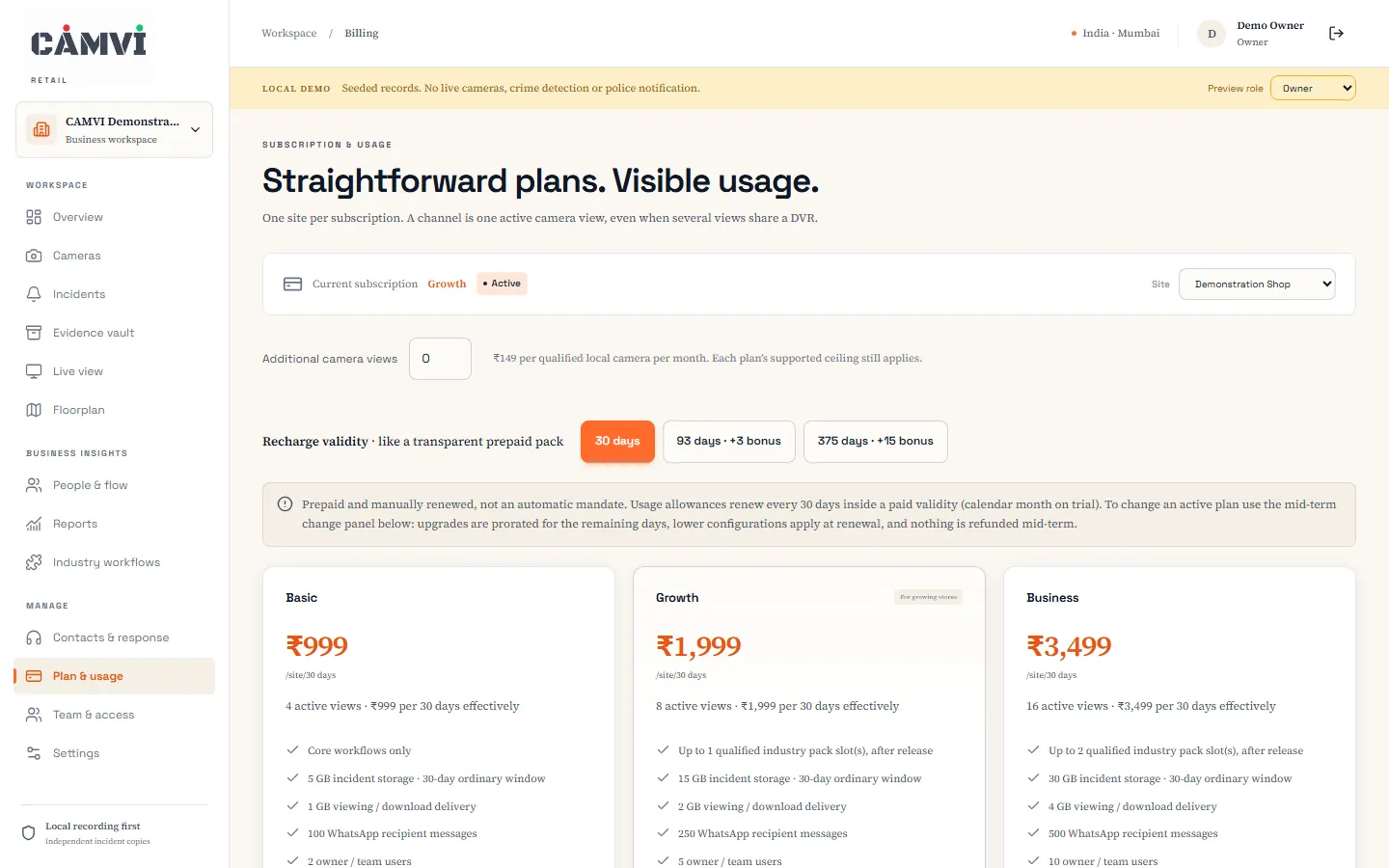
Console with demo data

Recognise your best customers because they chose to be recognised.
Planned: VIP alerts only for customers who identify themselves by QR or phone. CAMVI Retail does not identify people by their face.
What it is planned to do
- Alert staff when a customer who opted in to your loyalty programme checks in by membership QR or mobile number
- Use a spending threshold that each store sets itself
- Link to your POS or CRM purchase records once connected
What it will not do
- Identify people by their face
- Single out ordinary shoppers who have not opted in
- Run before it is built and tested; it is not available to buy today
Open another lane before the line gets long.
Planned: queue length at billing and counters, so a manager can decide to open another lane. It needs a calibrated counter view and camera qualification first.
What it will do
- Track how many people are waiting in a configured queue zone
- Prompt the manager when a queue passes the length the store sets
- Show measured coverage next to every figure once it has been measured
What it needs
- A calibrated view of the counter and queue area
- The camera to pass qualification for stream, timing and CPU load
- No accuracy figure is published until we have measured it
What the person detector can and cannot see.
For kitchens and back-of-house areas, the first step is knowing who is present and when. Safety detection is a separate model that does not exist in CAMVI Retail today.
Can see
- Whether a person is present in a configured zone, such as a kitchen line or storage door, during a schedule you set
- Whether a person crosses a configured line on a qualified camera
Cannot see
- Smoke and fire are not detected today
- Hygiene, pests, spills or unsafe handling
- Anything on a camera that has not passed qualification
- It is not a replacement for certified fire alarms
No alert does not mean nothing happened. Alerts describe what the camera saw, not intent.
Start small, add only what you need.
Extra camera views
Rs 149 per extra qualified camera view per paid 30-day period, within the plan ceiling, before GST.
Storage and message top-ups
Finite storage and message allowances per 30 days. Top-ups expire with your validity.
Partner-assisted onboarding
An installer or partner can set up the connector and check compatibility with you. Installation is quoted separately.
POS integration
Not included in plans. Ask for a feasibility review of your billing system before any commitment.
What the AI does and does not do.
One model runs today: the CAMVI Retail person detection model, which detects people on qualified cameras. It does not identify them or judge intent.
Does
- Finds people in the camera view
- Checks whether a person is in a scheduled zone during the times you set
- Detects line crossings on calibrated views after camera qualification
- Saves a still and clip, and notifies the contacts you chose
Does not
- Know who a person is; no identity
- Judge intent or guilt; no intent
- Come with an accuracy figure; none is published until we have measured it
- Act on its own; every alert needs a human decision
- Detect smoke, fire, concealment or fights today
Limits printed on the page, in the app and in the contract.
We would rather you buy for the right reasons.
- Alerts describe camera observations, not guilt. A person in a zone is a fact; intent is a human judgement.
- Specialist detections (concealment, trays, fights, fire, pests) ship only after a trained model passes field tests on real stores. Until then they are review aids or unavailable.
- Compatibility depends on recorder model, firmware, stream access and the PC on site. Some systems need a test; some are not supported.
- WhatsApp and email delivery depend on recipient consent and provider status. Alerts go only to contacts who have opted in.
- No cameras in fitting rooms, toilets or other private areas, ever.
Prepaid packs per site. No auto-debit. No surprise cloud bills.
Prices are per physical site, before GST. Longer validity adds bonus days instead of hidden discounts. Allowances reset every 30 days inside your validity.Indicative catalogue shown until the live pricing service is connected; the application quotes the final amount.
Bounded trial
Duration and limits are stated before you start. Ends on expiry; nothing converts to paid without your action.
Add-ons and top-ups
Rs 149 per extra qualified camera view per paid 30-day period, within the plan ceiling, before GST. Finite storage and message allowances; top-ups expire with your validity. Installation and on-site support are quoted separately.
Not included
Continuous cloud recording, new cameras or recorders, guaranteed detection of any event, and specialist models before they pass qualification.
Turn one-time installs into recurring revenue.
Referral, certified installer, agency and regional distributor tiers with commission on collected subscription revenue, a partner console for diagnostics your customers approve, and support duties that match the tier. Terms are published in the partner agreement, not in a headline.
- Commission accrues on collected net revenue, never on quotes
- Customer-approved support access with expiry and audit trail
- Clawback on refunds; monthly settlement statements
- Installer certification covers compatibility checks and connector setup
The footage is yours. The evidence stays verifiable.
Your data, your account
You choose which contacts receive alerts and who can open the owner console. Installers get access only when you approve it.
Evidence outside the recorder
Clips already copied off-site stay available even if the recorder is lost. Video the connector never received cannot be recovered; gaps are labelled.
Retention you control
You set how long incident clips are kept within your plan; access and alert logs are kept longer as required by law.
Straight answers before you sign up.
Often yes, if the recorder exposes RTSP or ONVIF streams and a PC on site can run the connector. We check make, model, firmware, stream access and host capacity before you pay, and we say clearly when a system needs a test or is not supported.
Tell us about your store. We reply within one working day.
Prefer to start on your own? Open the free trial, or use the plan finder.